AI tools repeat what your website says, including the parts that contradict each other. When we audited 5 company websites for SEO and GEO (generative engine optimization) in September and October 2026, every one of them stated at least one company fact in more than one way.
This post lists the types of inaccurate and outdated content we found, how often each one showed up and the process we use to fix them. The sites include our own, plus 4 client sites described only by broad industry.
What Is a Company Facts Audit?
A company facts audit is a page-by-page check of every fact your website states about your business: founding year, years of experience, prices, team size, locations, services, reviews, awards, leadership titles and results. You log every version of each fact, find the conflicts and outdated ones, and agree on one approved answer.
It’s like checking that your name, address and phone number match everywhere, except it covers every fact a buyer might ask about.
Why Do Inaccurate Facts Matter for SEO and GEO?
Because AI tools quote facts instead of only ranking pages. A stale price on a page ranking #8 in Google rarely does much harm. The same price quoted in a ChatGPT answer becomes the answer a buyer reads right before they decide whether to contact you.
AI tools also lean heavily on your own site. In our AI search citation study of 1,044 AI answers, 84% of citations went to the websites of the companies being recommended. So when your pages disagree, the AI tool may pick the wrong version, blend them or skip the fact.
When a fact is missing, AI tools fill the gap. On one software site with no published pricing, three AI tools gave three different made-up prices. On the same site, one AI tool kept calling the product by a name the company has never used.
For Google, accuracy and trust are part of how its helpful content guidance and quality rater guidelines describe a reliable page. I wouldn’t promise a ranking boost from fixing facts, but contradictions and dated claims work against the trust you’re trying to build with buyers and search engines.
Which Websites Did We Audit?
We audited our own site (kernmedia.com) and 4 client sites: a small travel company, a regional real estate brokerage, a B2B software company and an enterprise B2B technology company. Each site was audited from a full content export, and most findings were checked on the live pages.
Note: These were working client audits, not a controlled study. Each one used a checklist fitted to that business, so the counts below show how common each problem was across these 5 sites, not across the web.
What Types of Inaccurate and Outdated Content Did We Find?
Here’s every type we found, grouped from most to least common. The examples are generalized so they describe the pattern, not the client.
1. The Same Fact Stated Different Ways
Found on 5 of 5 sites.
- Two different founding years, with the schema (structured data) disagreeing with some of the page copy.
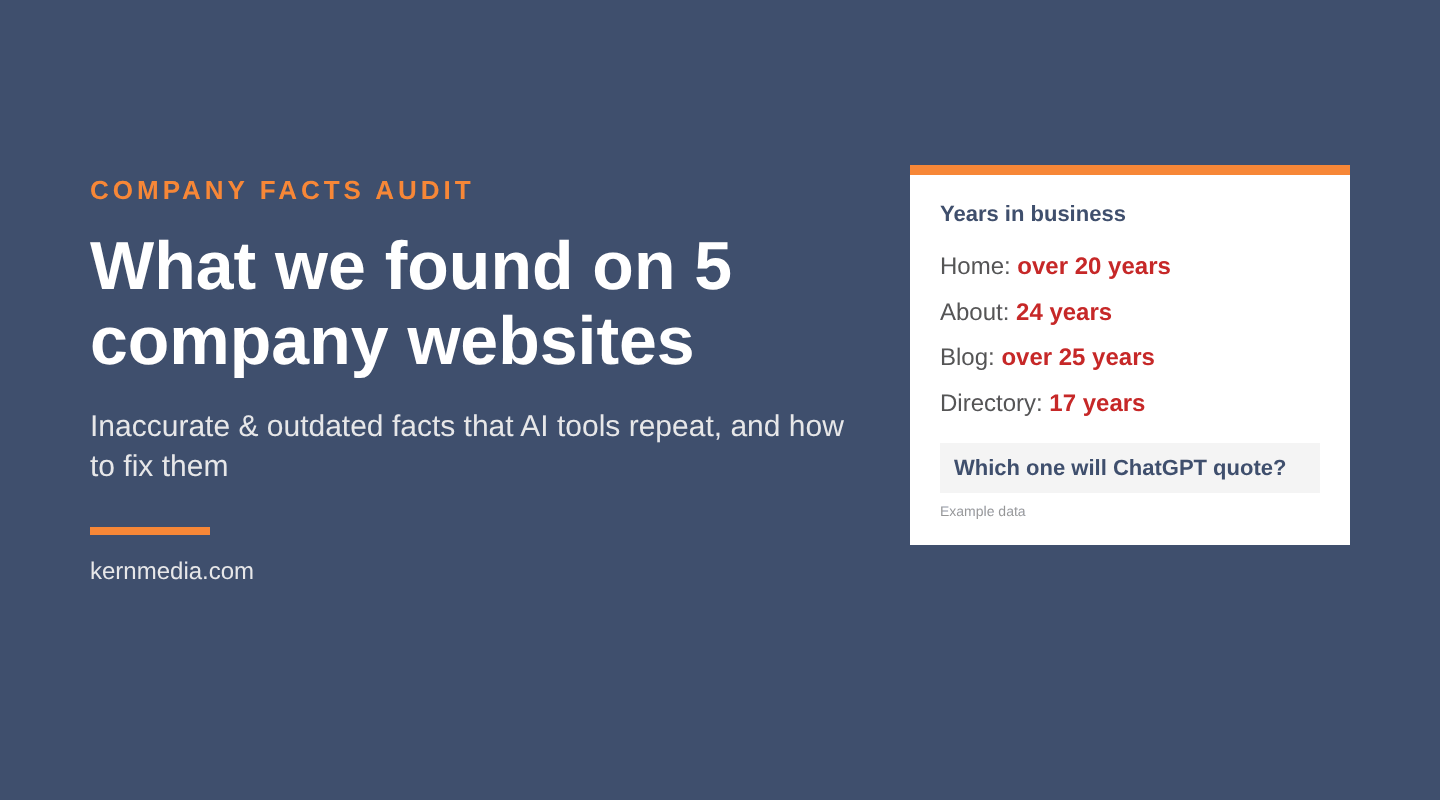
- Years in business that drift: “over two decades”, “24 years” and “over 25 years” on different pages, because each page was written in a different year.
- Four different “combined years of experience” figures on one site, with the highest more than 2.5x the lowest. The confirmed number was higher than all four.
- Five different customer counts on one site and three on another, where an older figure was higher than a newer one.
- One number used for two different metrics (total users on one page, monthly downloads on another).
- Team size listed anywhere from 1 to 49 employees across directory profiles.
2. Claims That Say More Than the Business Can Back Up
Found on 5 of 5 sites.
- “All-inclusive” in a homepage heading when trips included breakfast and some meals.
- “24/7 support” when the real offer was 24/7 emergency help.
- Absolute claims like “100% accuracy”, “the only”, “gold standard” and “invented the category”.
- Awards and “top 2%” claims with no year or issuer.
- Our own site described our citation study as covering four AI tools equally, when 948 of its 1,044 answers came from ChatGPT.
3. Wrong or Outdated Contact and Location Details
Found on 5 of 5 sites.
- An old office address on 5 to 8 directory listings, most likely fed by data aggregators.
- A phone number with two digits swapped on the About page, while the footer was right.
- Directory hours of 12 hours a day, 7 days a week, for a team with set business hours.
- Three different service-area lists on one site, one naming an area the business doesn’t serve.
- A headquarters city that changed between press releases, with no headquarters named on the Contact page.
4. Dated Content and “Now” Wording
Found on 5 of 5 sites.
- FAQ answers (and FAQ schema) with holiday dates from two and three years earlier.
- “Updated 2019” notes on live posts.
- “NEW!” labels on a product launched more than a year earlier, and last year’s dates on this year’s event pages.
- Decade-old Census figures in a local guide.
- Phrases like “now”, “yet” and “fixes are underway” that go stale within months.
5. Typos and Visible Errors
Found on 5 of 5 sites.
- The brand’s own name misspelled on several pages.
- A plugin error message (“shortcode encountered an error”) showing in the HTML of a key page.
- A live page module showing “No Results Found”.
- Trailing spaces in 15 page titles, and the same AI crawler listed twice in one sentence on our own site.
6. Brand, Product and Title Names That Drifted
Found on 4 of 5 sites.
- A partner network’s pre-rebrand name still used in present tense more than a year after the rebrand.
- A parent company and sister brand that were never explained, so directory listings used three different business names.
- Product tiers renamed, with the old names still live, and one partner program described six different ways.
- A product name spelled two ways, plus a lookalike ® character instead of the real one.
- A product name shared with another company, so AI tools credited it to the wrong vendor.
- Executive titles that didn’t match between press releases, the leadership page and bios.
On a free 30-minute call, we’ll talk through your site and where your facts might conflict.
7. Review and Testimonial Details That Conflict
Found on 4 of 5 sites.
- A review count hard-coded on 12 pages that the live review widget had already passed. (That was our site. We now say “5-star rating on Google and Clutch” instead of a count.)
- A review count on the page that didn’t match the business profile, because they were counted differently.
- The same testimonial giver listed at two different companies, with two different titles.
- A strong Google rating that wasn’t mentioned anywhere on the site.
8. Old, Hidden or Duplicate Pages AI Tools Can Still Read
Found on 4 of 5 sites.
- Noindexed pages that still sold discontinued services. Noindex keeps a page out of Google’s results, but AI crawlers may still read it.
- Test pages, duplicate landing pages and ad landing pages with different (older) facts.
- Current fact pages set to noindex by mistake, including partner pages and a key industry landing page.
- A discontinued product still linked from 5 pages and the main menu.
9. Prices and Offers That Changed in Some Places Only
Found on 3 of 5 sites.
- A switch to month-to-month pricing that never reached 10 pages or their FAQ schema (our site).
- Price tables two years out of date, with starting prices below the current minimum.
- “Starting at” prices that varied by about 25% from page to page.
- A free trial offer still live on 4 pages after the offer changed.
- A meta description quoting an old price, which shows in Google results and can be picked up by AI tools.
10. Services Described Differently Than They’re Delivered
Found on 3 of 5 sites.
- “Options and prices within 24 hours” when the real process starts with a phone call.
- A company data center described on one page and a cloud platform on another.
- Integration lists that differed on every page, some likely no longer supported.
- Tracking promised across several AI tools when the default is ChatGPT (our site).
11. Buyer Questions the Site Never Answers
Found on 3 of 5 sites.
- No team size, homes-sold count or office hours on one site, while AI answers praised competitors for their team depth. Another site had no founding year on its About page.
- A workflow question buyers ask on almost every sales call, with no page answering it. It got zero brand mentions across four AI tools.
- Network memberships shown only as logos, which AI crawlers can’t read.
12. Schema That Doesn’t Match the Page
Found on 3 of 5 sites.
- FAQ schema with different wording than the visible FAQ.
- FAQ schema that failed to parse because of double-escaped characters.
- Dormant social profiles, a wrong account and a tracking-tagged URL listed as official profiles in sameAs (the schema property that links a company to its profiles).
Less Common Problems We Also Found
These showed up on only 1 or 2 sites, but they’re easy to check for:
- Facts about other companies: Hotel details, tour times and park fees copied from page to page without checking the source.
- Stats with no source or date: Outcome stats with no method or timeframe, the same stat credited to “customers” on one page and “industry reports” on another, and percentage points mixed up with percent.
- Facts only in images, scripts or PDFs: Key proof inside gated PDFs and JavaScript widgets that most AI crawlers (GPTBot, ClaudeBot, PerplexityBot) don’t run.
- Errors in the source documents: The owner’s own questionnaire answers conflicting with each other, and our own change log saying a fix was live when it wasn’t.
- Errors that exist only in AI answers: AI tools stating a deployment time and compliance support the site never claims.
Why Do These Errors Happen?
Most of them weren’t wrong when they were written. Prices changed, people changed titles, brands were renamed and offers ended, but each page was written at a different time and nobody went back to update the older ones.
Search engines and AI tools read all of those pages at once. So a site that’s 90% current still hands them several versions of the facts that matter most right before a buyer reaches out.
How Do You Run a Company Facts Audit?
1. Export All of Your Content
Start with a full export from your CMS (WordPress has one under Tools > Export) instead of only a crawl. An export includes drafts, noindexed pages, old templates and page builder modules that a crawl can miss, plus publish dates so you can see when a claim was made.
Two things caught us more than once. Page builders can store copy in shortcodes or block data, so strip and parse those. And an export is a snapshot, so check the live page before you report anything to anyone.
2. Log Every Fact, Every Version and Every URL
| Fact | Where it appears | Status | Next step |
|---|---|---|---|
| Years in business | Home, About, 2 posts | Conflict (4 versions) | Ask owner |
| Starting price | Pricing, 6 service pages | Conflict (2 versions) | Ask owner |
| Phone number | Footer, Contact, About | Match | Keep |
| Team size | Not stated | Confirm | Ask owner |
Build one row per fact. We use these columns: the fact, the exact wording, every URL it appears on, the number of versions, a status (conflict, outdated, needs a source, needs confirmation or match) and the approved value.
Search the export for numbers, years, prices and claim words like “all-inclusive”, “24/7”, “only” and “leading”. Then add your offsite profiles (Google Business Profile, LinkedIn, review sites and directories) to the same sheet.
3. Ask the Owners, Don’t Guess
Send a short questionnaire in a shared Google Sheet with “what the site says now” next to each question. Owners answer a list of questions much faster than they react to a list of errors. One client answered all 40 questions within a week.
Hold any disputed fact out of new content until someone confirms it. A holding phrase like “for more than two decades” works until you have the founding year.
4. Fix It With a Reviewed Change List, Then Check Live
Turn the answers into a change list: page, current wording, new wording, source and status. Back up each page before editing, and re-read every page live afterward. On one site, a fix reported as done still showed the old value two days later because of page caching.
Prefer additive fixes. Update text, titles and links before you redirect or delete a page that earns traffic.
5. Keep One Source of Truth
Put the approved facts in one place: a company facts page, a fact sheet in your editorial style guide, or both. Then add a fact check to your pre-publish checklist and a yearly reminder to refresh any page with prices, rates, laws or “as of” numbers.
If you publish an llms.txt file (a plain-text summary of your company for AI tools), keep it in sync with the same facts. Ours fell behind our own pages once.
How Often Should You Audit Company Facts?
Run a full audit once, then a lighter check any time something changes: pricing, offers, leadership, brand names, locations or services. Pages with tax, legal, rate or date-based content need a yearly review at a minimum.
For the content side of this work, see How to Write Content AI Tools Cite, which covers mapping buyer prompts to your pages after the facts are clean.
On a free 30-minute call, we’ll talk through your site and what a facts audit would cover for you.
If I can help, see our LLM optimization (GEO) services or request a free consultation.


